

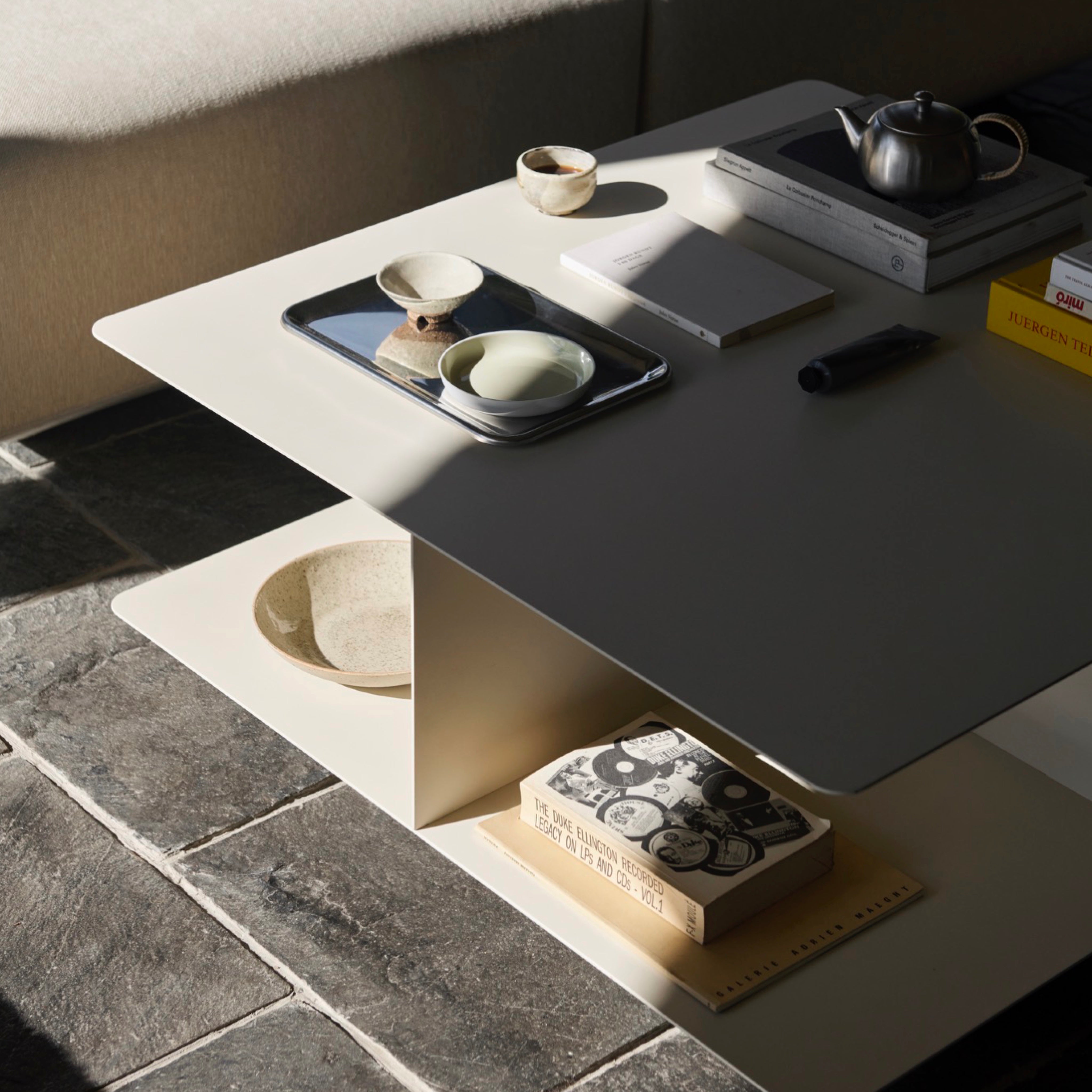

A good home workspace supports the work you actually do without taking over the room. The desk, chair and light need to work together, with enough surface for essential equipment and enough adjustment to remain comfortable through the day.
How large does the desk need to be?
List what must remain on the desk: monitor, laptop, keyboard, notebook, lamp and any specialist equipment. Measure their combined footprint, then allow useful space for your hands and for moving objects without constant rearrangement.
Also check the overall depth. A shallow desk may suit laptop work but place a large monitor too close. The room must still accommodate the chair when it is pulled back.
Separate permanent equipment from occasional tasks. A desk that is just wide enough for a monitor may leave nowhere to open paperwork or draw; an oversized desk can consume the room while becoming a place for clutter. Choose the smallest surface that comfortably supports the real working pattern.
Where should the desk go?
Natural light is valuable, but placing a screen directly in front of or opposite a bright window can create glare. A position perpendicular to the window often provides more balanced light. Keep sockets, radiators and door swings in mind before settling on the layout.
Check the background if the desk is used for calls, but do not let the camera view dictate an uncomfortable position. Curtains or blinds should remain reachable, and the route to the desk should not cross charging cables or trap the chair against a wall.
What should you look for in an office chair?
For regular work, prioritise a supportive chair with adjustments appropriate to your body and desk. Seat height should allow a stable foot position and a relaxed posture at the keyboard. Armrests should support the arms without forcing the shoulders upwards or preventing the chair from approaching the desk.
No chair removes the need to change position. Stand, move and reset your posture regularly during longer working periods.
Treat chair and desk as one measurement. A comfortable chair can still produce an awkward posture if the worktop is unusually high or a drawer blocks the thighs. Check the chair at its usable height, then confirm that arms, knees and base clear the desk.
How should a task light be positioned?
A task lamp should illuminate the working area without reflecting in the screen or shining directly into your eyes. Right-handed users often find a lamp on the left reduces shadows when writing, and vice versa. An adjustable arm or shade helps when the same desk serves different activities.
How can storage reduce visual clutter?
Keep frequently used objects within reach and move archives, spare cables and supplies away from the main surface. A drawer, trolley or wall shelf can free the desk without making the workspace feel heavily furnished.
Plan cable storage separately from paper storage. Power supplies need ventilation and an accessible route to sockets; they should not be tightly bundled or hidden in a way the equipment maker advises against. Label rarely handled cables before moving them out of sight.
What if the workspace shares another room?
Choose pieces that make sense when work has finished. A restrained desk, compact task chair and closed storage can sit comfortably in a living room or bedroom. Cable management and a clear end-of-day routine make as much difference as the furniture.
A small tray or drawer for the items that appear during the day makes that routine realistic. The aim is not to erase all evidence of work, but to return the shared room to a calm, usable state without rebuilding the desk every morning.
Planning your home workspace
Measure the equipment, desk and chair as one working arrangement. Resolve posture, screen position and task lighting before choosing finishes.
Build a workspace that works throughout the day. Explore our desks, office chairs and table and task lamps.


